Brew Updates
Keep Homebrew updated, backed up and scanned for vulnerabilities, on autopilot.
A Mac app that keeps Homebrew and everything you installed with it updated, backed up, health-checked and scanned for vulnerabilities on a schedule, then shows you exactly what changed. Set it up once and forget about brew upgrade.
Apple silicon Mac · macOS 15 Sequoia or later · Homebrew
What it does for you
Unattended updates
Runs brew update, upgrades outdated formulae and casks, and cleans up on your schedule: daily, weekly or monthly. Pinned and excluded packages are left alone.
A backup before every run
Each run saves a Brewfile first. Compare any backup with what's installed and restore missing taps, formulae and casks in a click.
Security scanning built in
Every run scans with Grype and brew vulns (OSV.dev), with a severity filter and a trend chart so you can see whether things are getting better.
Health checks explained
brew doctor warnings come with plain-English explanations and copyable fixes, plus a list of deprecated packages and suggested replacements.
Know what to clean up
See packages nothing needs any more, packages Homebrew is retiring, and packages with security issues worth upgrading, replacing or removing.
Menu bar at a glance
The menu bar icon shows how many updates are waiting. One notification per run, and clicking it opens that run's details.
Quick Start
Up and running in a couple of minutes
- 1
Install
Install with Homebrew, or download the notarized DMG from the latest release and drag Brew Updates to Applications.
brew install --cask jxman/tap/brew-updates - 2
Open it
Open Brew Updates from Applications. macOS asks once about opening an app from the internet: click Open.
- 3
Choose when it runs
Pick Daily, Weekly or Monthly and a time, leave notifications on, and click Install grype for the deeper security scan. Then click Set Up.
- 4
Let it run
Updates now run on schedule even when the app is closed. The app also keeps itself up to date and asks before installing a new version.
Screens
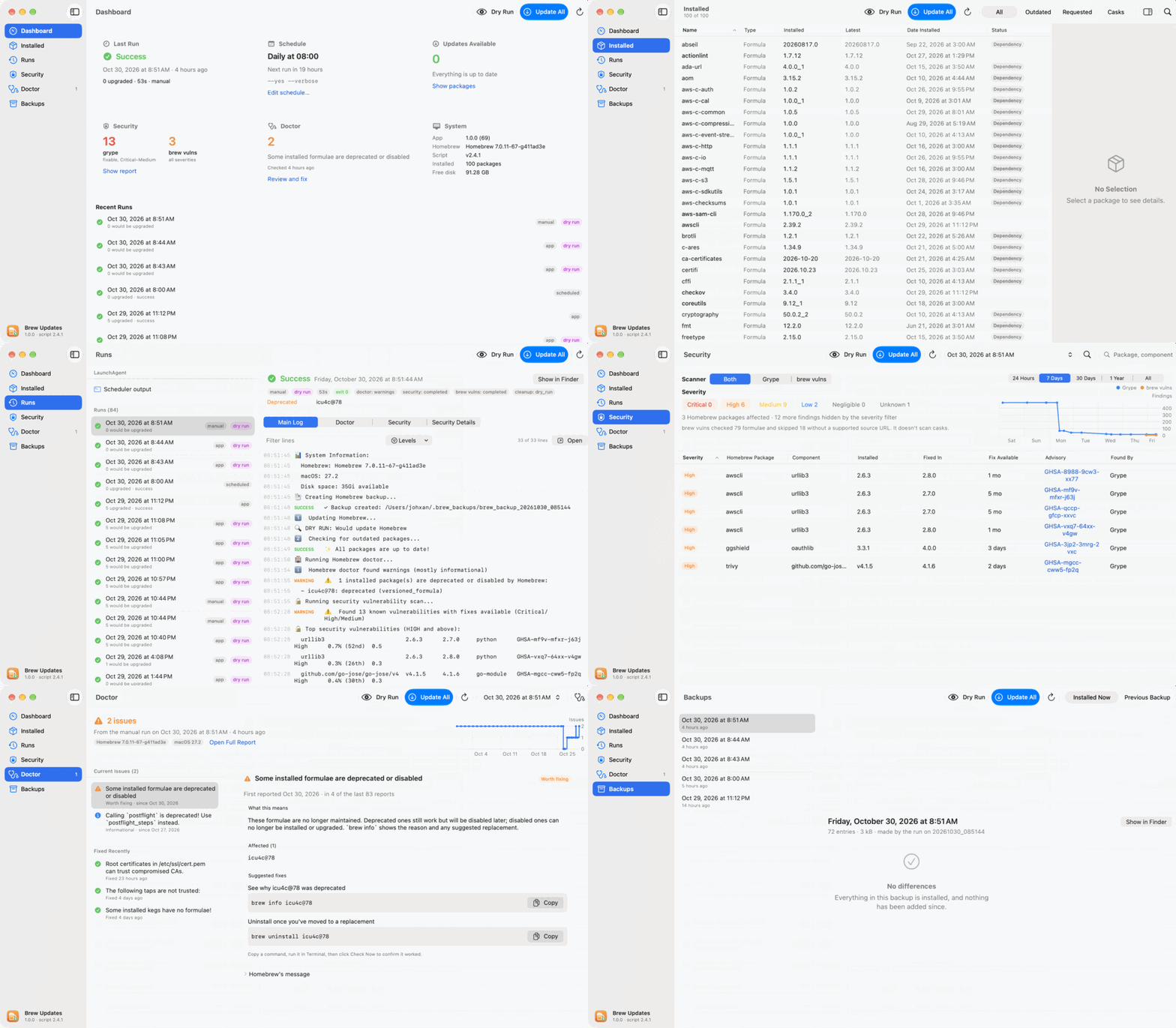
Click any screenshot to view it full size
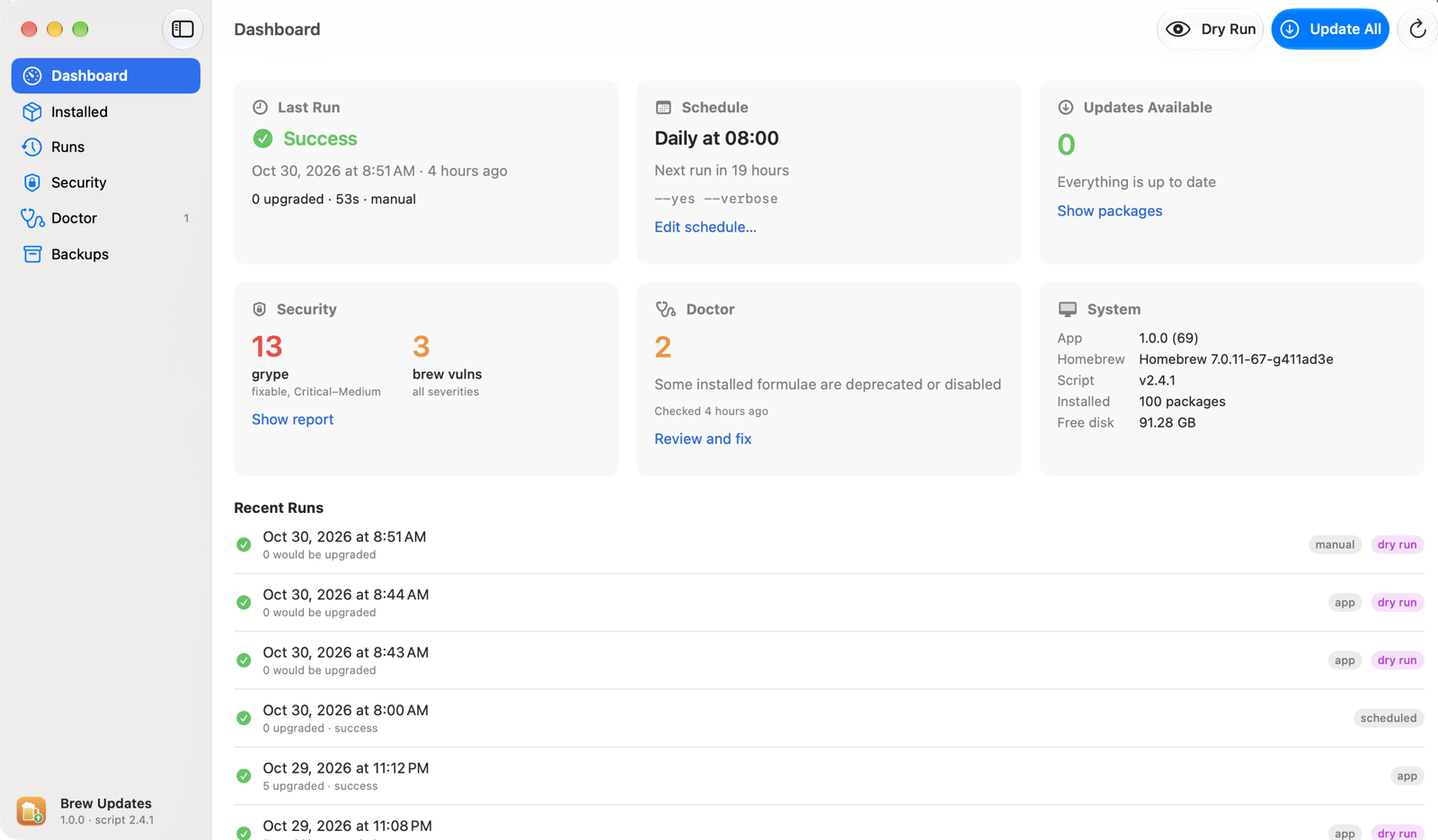
Dashboard
Last run, schedule, available updates, security counts, doctor status and system versions.
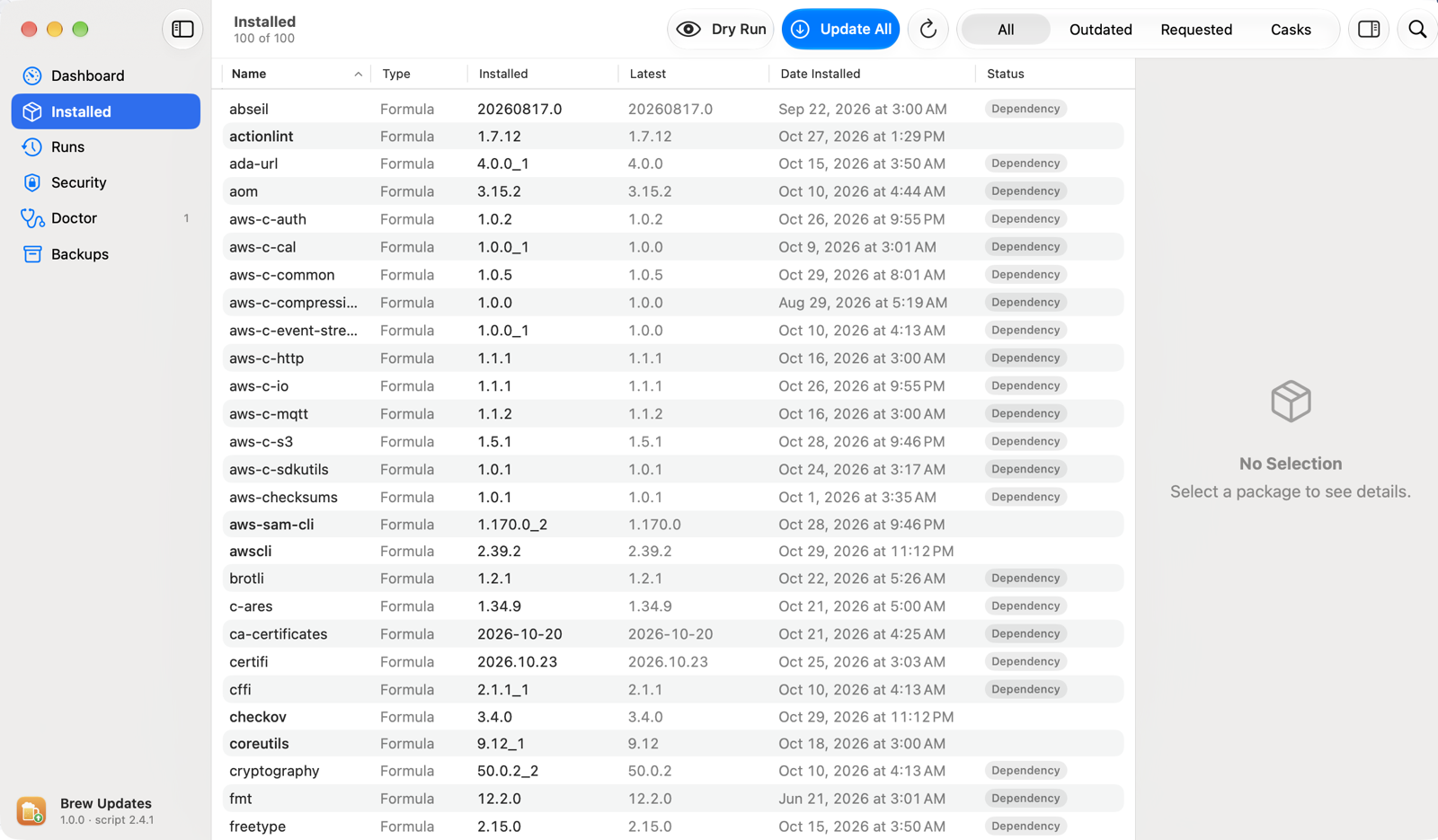
Installed
Formulae and casks with their dependencies. Pin, exclude, upgrade selected, or uninstall safely.
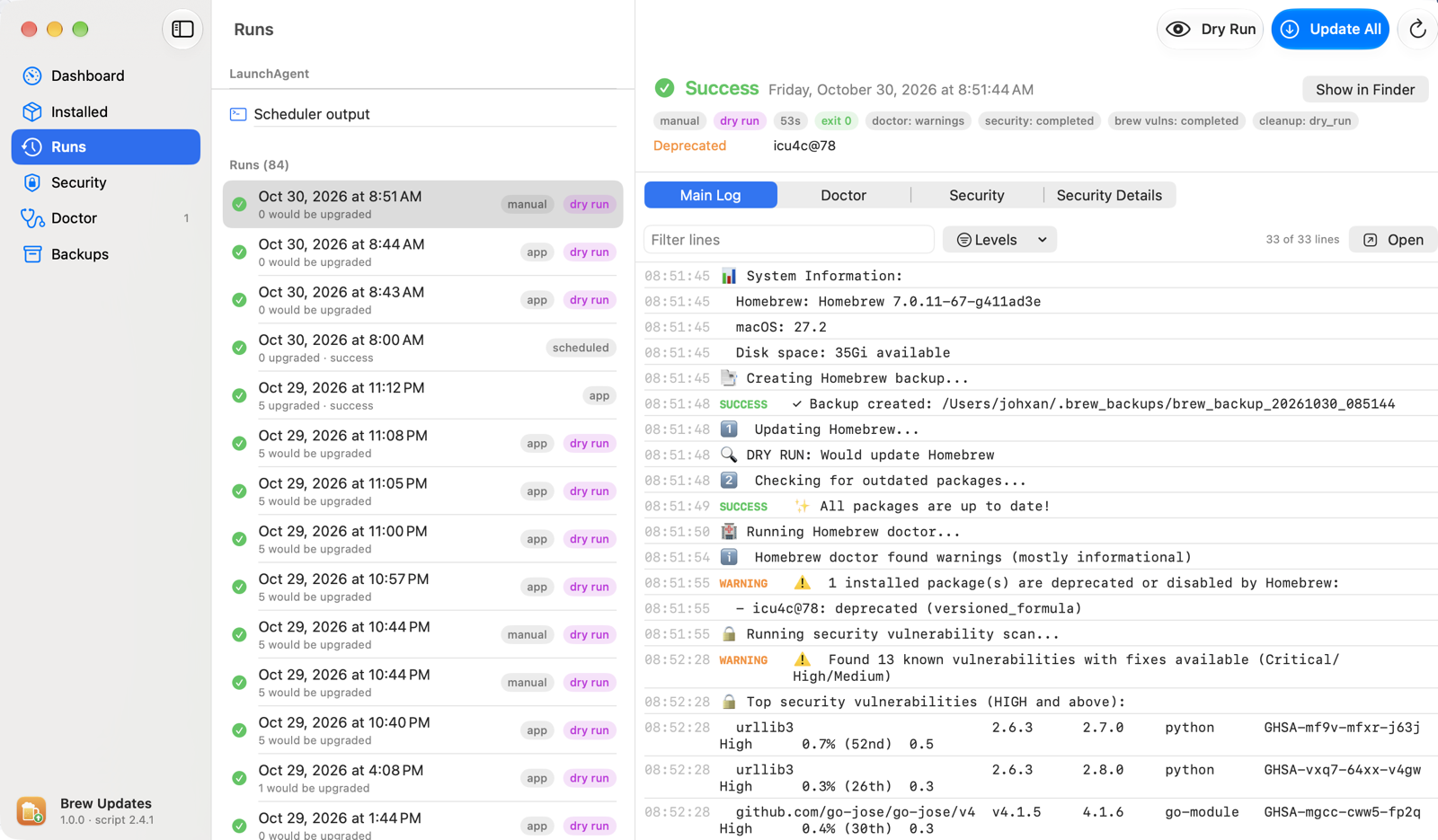
Runs
Every run's summary and log, plus live output for runs started from the app.
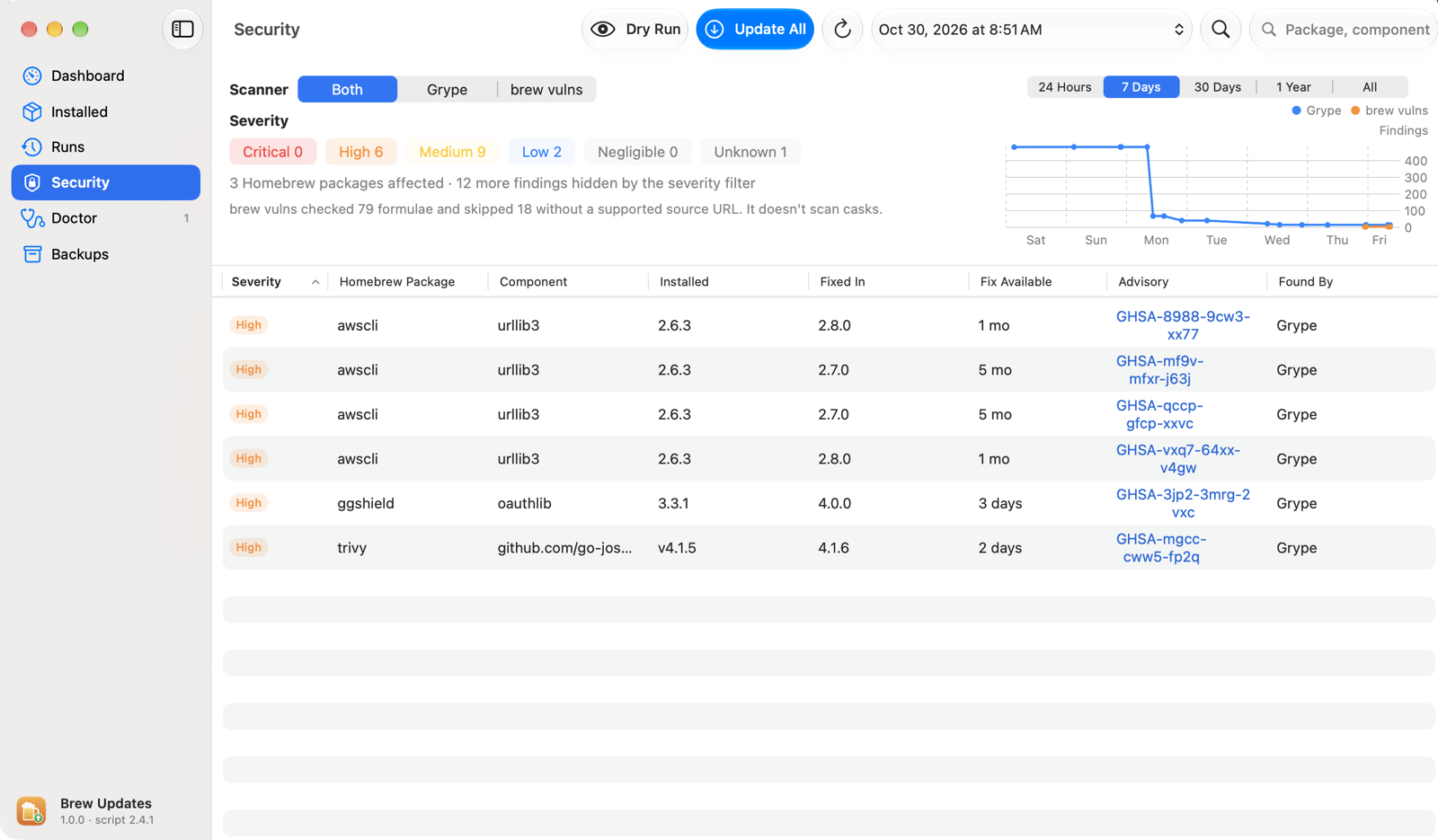
Security
Grype and brew vulns findings with a severity filter, trend chart and on-demand Scan Now.
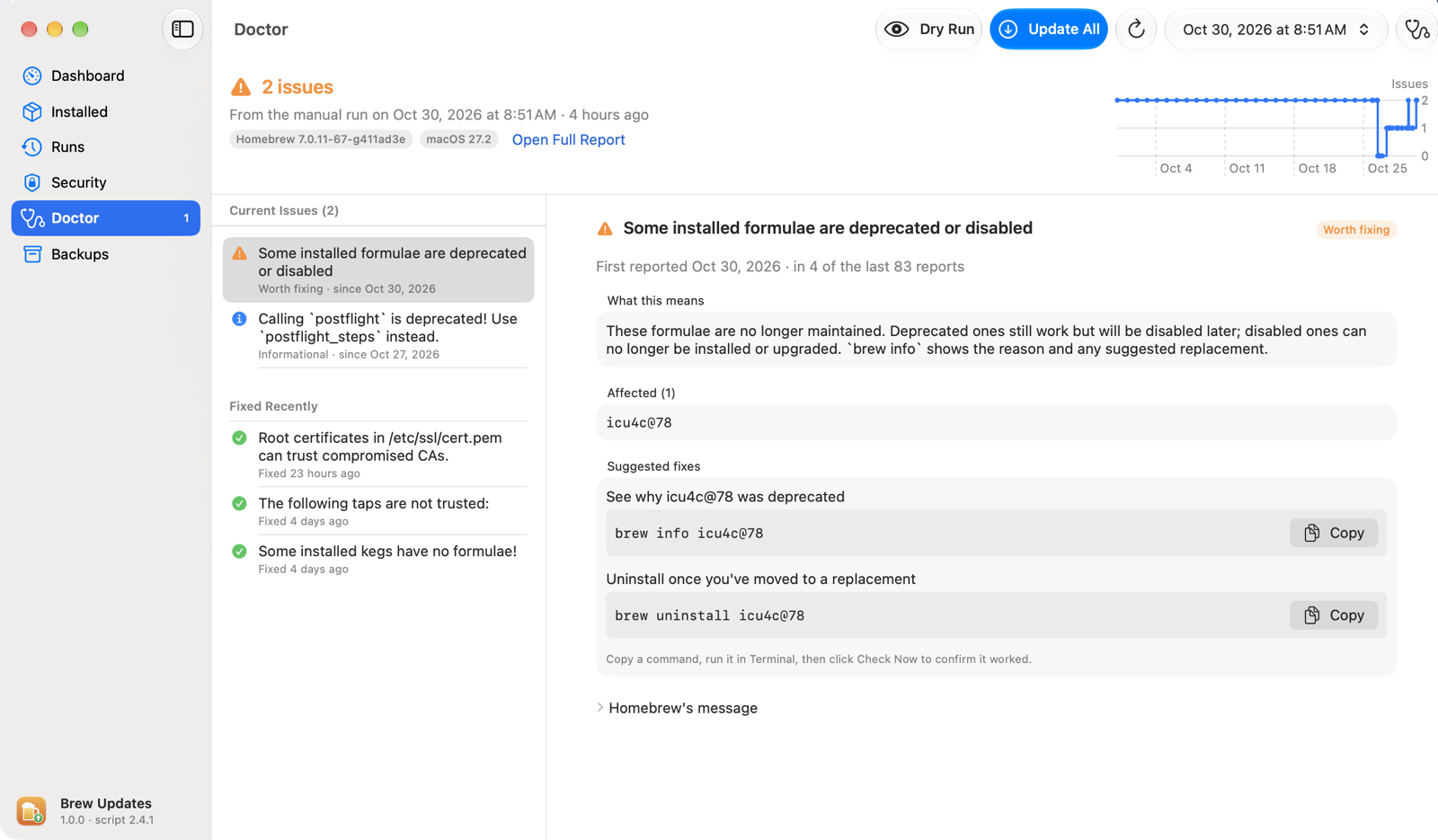
Doctor
Each brew doctor warning explained, with copyable fixes and replacement suggestions.
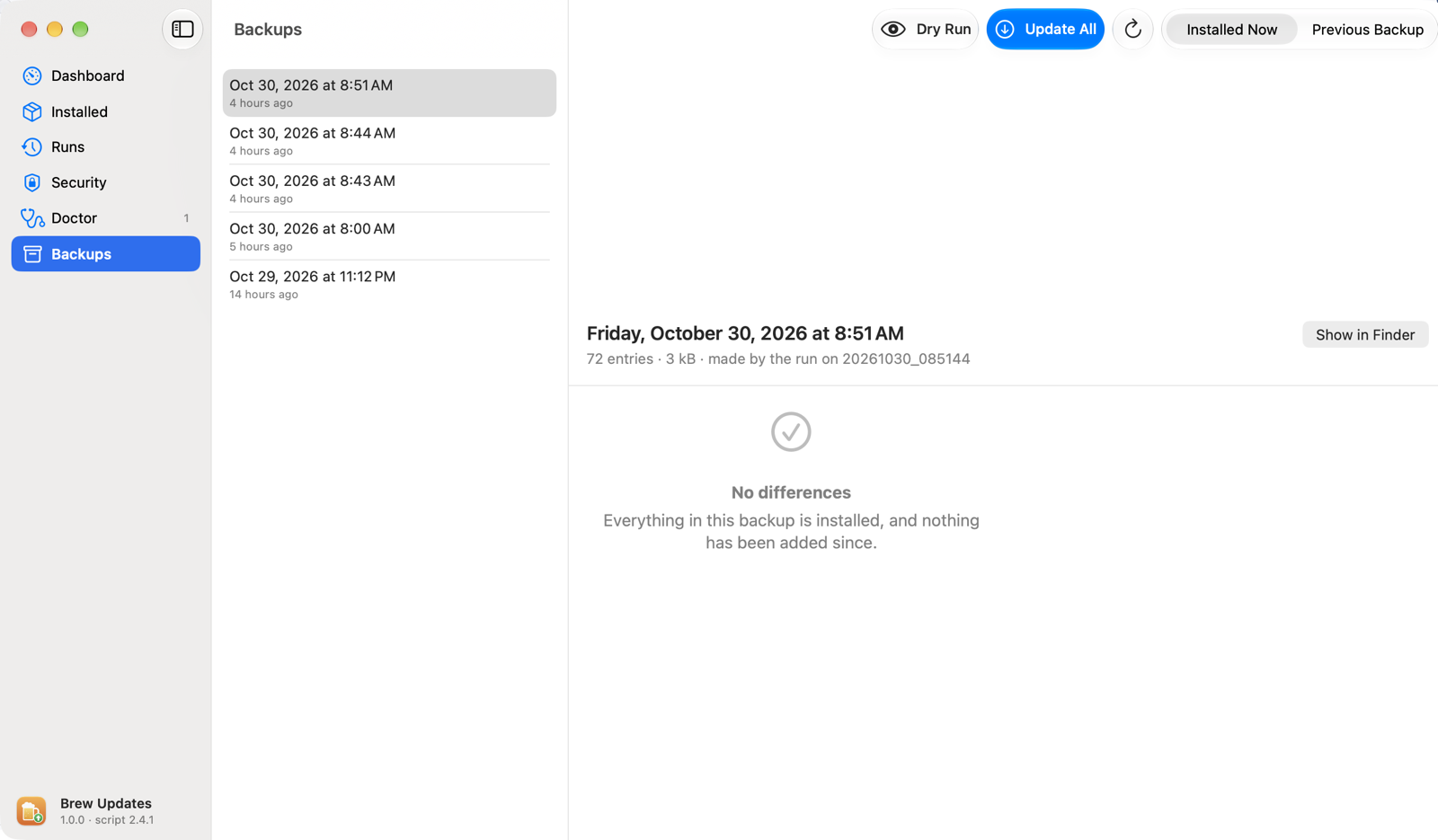
Backups
Compare Brewfile backups and restore missing taps, formulae and casks.
Questions
Is it safe to install?
Yes. The app is signed with an Apple Developer ID and notarized by Apple, and its updates are signed too, so only official releases are installed. All of the source code is on GitHub.
Does it send my data anywhere?
No. There's no account and no analytics. It only talks to Homebrew, the vulnerability databases and GitHub (for its own updates).
Does the app need to stay open?
No. Scheduled updates run even when the app is closed. The app is there to show results and let you act on them.
Does it update my other apps?
Apps you installed with Homebrew (brew install --cask), yes, except apps that update themselves. App Store apps and apps you installed yourself aren't touched.